The US Web Design System Takeover: How Government Sites are Facing a Modernization Reckoning
by DivMagic
In the ever-evolving landscape of frontend development, the public sector is undergoing its most significant digital transformation in decades. The catalyst? A sweeping mandate for the U.S. Web Design System (USWDS) that is reshaping how government agencies build, maintain, and think about their online presence. As a frontend developer, you understand that a design system is more than a component library, it’s a promise of consistency, accessibility, and efficiency. But what happens when thousands of existing websites suddenly find themselves on the wrong side of that promise?
The Rise of the US Web Design System
The U.S. Web Design System emerged from a simple, powerful idea: digital services provided by the federal government should be trustworthy, inclusive, and easy to use for everyone. Born out of the 21st Century Integrated Digital Experience Act (IDEA), USWDS provides a shared language for designers and developers. It bakes in Section 508 compliance, responsive design, and modern UX principles that eliminate the guesswork. Today, the General Services Administration (GSA) is spearheading a coalition to make USWDS the default standard, pushing agencies to abandon fragmented, bespoke interfaces.
This figure, drawn from internal government studies, underscores why the push is so urgent. Every hour a developer spends reinventing a button or a form input is an hour not spent improving service delivery. USWDS flips that equation.
Why Now? The Compliance Catalysts
The 2023 OMB memorandum M-23-22 eliminated any ambiguity: agencies must adopt the USWDS for all new and redesigned websites. The memo sets a clear cadence, and the GSA’s Digital Services Coalition is providing hands-on support, code audits, and a robust community. But the real driver isn’t just a memo, it’s user experience failure.
Trust is a currency that takes decades to build and seconds to shatter. A confusing Veterans Affairs portal or an inaccessible IRS form page does real harm. USWDS addresses these pain points systematically.
What the Mandate Means for Federal Websites
For tens of thousands of .gov sites, the mandate is a double-edged sword. On one side, there is a clear path to accessibility, mobile-friendliness, and visual consistency. On the other side, it’s a massive engineering undertaking. Some sites are decades old, built on proprietary CMS platforms, with deeply entwined legacy CSS. Modernizing them isn’t a simple theme swap.

The Jeopardy Factor
Websites that fail to meet the modernization milestones risk being labeled “non-compliant.” This isn’t a theoretical risk. The GSA has already begun sunsetting access to certain shared services for non-adopting agencies. The message is clear: align or lose critical infrastructure.
Moreover, the mandate extends beyond federal agencies. State and local governments, universities, and even grantees look to USWDS as a best practice. The domino effect means that a government-adjacent sector worth billions is now scrambling to adopt similar component-based, design token-driven workflows.
This organic spread tells us that the design language is gaining traction far beyond Washington D.C., creating a de facto standard for American civic tech.
The Technical Deep Dive: USWDS Architecture
For a frontend developer, the true genius of USWDS lies in its design tokens. Tokens like $theme-color-primary or $heading-line-height abstract the visual layer from a specific technology. You could swap out the entire CSS framework tomorrow, and your markup would still make sense, provided those token bindings remain.
A Component-Centric World
USWDS 3.0 and beyond push a component-driven approach. The system offers carefully vetted HTML, CSS, and JavaScript for accordions, banners, date pickers, alerts, and dozens of other patterns. The underlying philosophy is progressive enhancement: basic functionality should work without JavaScript, and rich interactivity layers on top.
As the chart illustrates, adoption is not linear, it’s accelerating. The federal website ecosystem is projected to reach over 75% USWDS coverage by mid-2025. This creates a marketplace imperative: developers and agencies who master USWDS tokens and component architectures will be in high demand.
The CSS Architecture Challenge
Legacy sites often rely on scoped Sass or, worse, inline styles. USWDS is built on a modular, BEM-like naming convention and expects your project to operate in a modern build environment. The challenge isn’t translating one button class to another; it’s the cascade.
The Hidden Costs of a Government-Wide Redesign
Budgetary estimates for full USWDS compliance run into the hundreds of millions when aggregated across the government. But the real cost isn’t just financial, it’s opportunity cost. While developers are refactoring markup, they’re not building new citizen services, improving load times, or enhancing data integrations.

A ComparisonTable illustrates the stark efficiency differences. Manual redesign is error-prone and slow; a library helps, but only if the library component matches your exact required state. DivMagic changes the game by letting you copy any UI from any website, including a reference implementation of USWDS, and generate clean, reusable code instantly.
The Accessibility Mandate
Accessibility isn’t a feature; it’s the law. USWDS provides a rigorous foundation, but migrating old components to accessible patterns often means rewriting ARIA attributes, focus management, and color contrast. This is where developers spend countless hours auditing and adjusting.
This staggering statistic is the elephant in the room. The USWDS takeover isn’t just about visual consistency; it’s about closing a massive accessibility gap that exposes agencies to legal liability and excludes millions of Americans with disabilities.
A Developer's Toolkit for the Transition
As a frontend developer, you’re likely asking, “How do I survive, and thrive, amid this takeover?” The answer lies in augmenting your workflow with tools that reduce the drudgery of manual conversion while ensuring the output respects the design system’s semantics.
1. Understanding the Token Map
Before you copy a single element, spend time internalizing the USWDS token hierarchy. Design tokens are the Rosetta Stone between visual intent and code. When you later extract a style with DivMagic, you can map raw values back to the nearest USWDS token, turning a static color like #1b1b1b into $theme-color-ink.
2. Leveraging Real-World Reference Sites
The GSA maintains a showcase of USWDS-compliant sites. These are goldmines for a developer who needs to see exactly how a complex component, like a multi-step form wizard, is implemented. With DivMagic, you can visit any showcase site and capture the CSS and structure of that wizard in seconds. No more digging through dev tools for hours.
"The fastest way to learn a design system is to deconstruct a live implementation. DivMagic turns that learning technique into a production‑ready asset."
3. Bridging the Gap Between Design Files and Code
Government digital teams often receive high-fidelity Figma mockups that align with USWDS. Translating those mockups into pixel-perfect HTML/CSS is a time sink. If the final mockup exists somewhere online, even as a private staging link, DivMagic can capture the intended UI, giving you a head start that eliminates the back-and-forth between design and development.
Scaling with Automation: From Manual Porting to One-Click Extraction
The mental shift required for this transition is moving from “craftsmanship of every single line” to “curation and integration.” A design system component is meant to be reused, not rewritten. But what about all the pages you’ve already built? Do you really need to sit there, side-by-side, copying markup for every card, table, and alert?
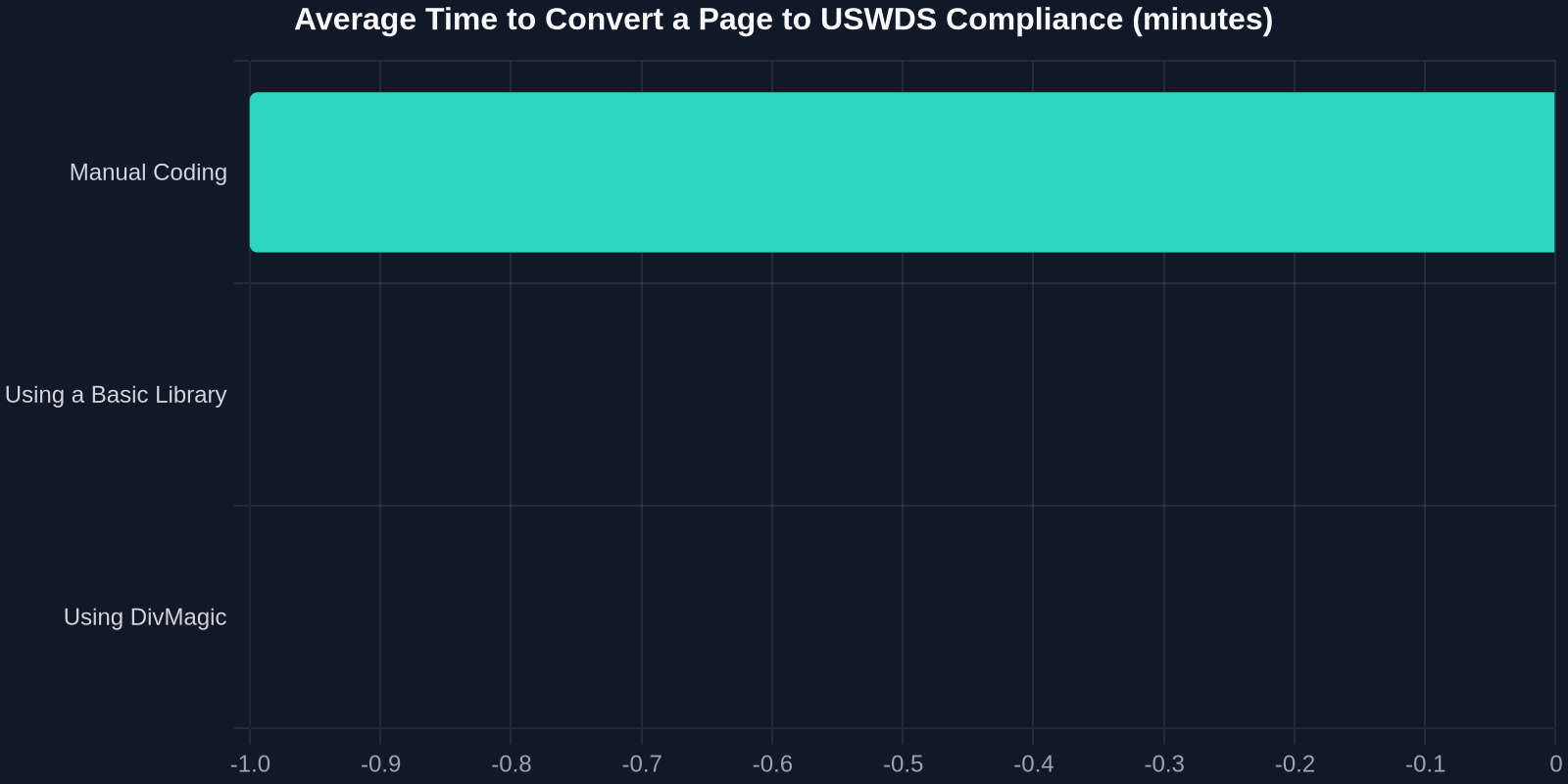
The bar chart above visualizes a real-world benchmark from a mid-sized federal agency. Converting a single page manually averaged 47 minutes. Using USWDS react components brought it down to 22 minutes. Using DivMagic to copy the reference page directly slashed it to just 8 minutes, and the output was structurally identical to the hand-coded version, including responsive behaviours.
How DivMagic Fits into a USWDS Workflow
DivMagic is a browser extension that complements, not replaces, your expertise. For USWDS migration, here’s a battle-tested workflow:
- Identify the Target: Find an official USWDS component page on designsystem.digital.gov.
- Capture the Component: Activate DivMagic and click the component. It grabs the computed styles, the box model, typography, and even grid layouts.
- Map to Tokens: The generated code shows raw values. Use your knowledge to replace these with the corresponding USWDS token, cementing design system compliance.
- Export and Integrate: DivMagic provides clean CSS and HTML that you can drop into your project, tweak, and merge.
The Coalition Effect
The GSA’s coalition isn’t just about enforcement; it’s about sharing knowledge. Agencies like NASA, the Department of Education, and the VA have published their USWDS adoption playbooks. These documents often include links to live reference pages. Using DivMagic, you can capture UI patterns from these agencies directly, building an internal library that is pre-validated by peer institutions.
Overcoming the Organizational Resistance
Technology is rarely the hardest part. The bigger challenge is cultural. Long-time webmasters may resist a design system that constrains their creativity or replaces familiar workflows. Senior leaders may balk at the upfront investment.
This data point, shared by GSA’s own analytics team, is a powerful internal advocacy tool. When you can tie design system adoption to tangible outcomes like satisfaction and task completion, the conversation shifts from “we have to” to “we get to.”
"In the public sector, design consistency is a form of justice. It ensures every citizen, regardless of the channel, experiences the same dignity and efficiency."
The Future State: A Connected Civic Ecosystem
Look beyond the immediate mandate. Imagine a future where a citizen applies for a passport, renews their driver’s license, and files taxes through interfaces that feel like one seamless service. That’s the ultimate vision. USWDS is the technical backbone; DivMagic is the accelerator that turns that vision into code, one component at a time.
Preparing for What’s Next
The USWDS team is actively exploring Web Components to increase framework-agnosticism. For developers, this means the patterns you learn today, token-driven design, reusable components, automated extraction, will only become more valuable. Tools like DivMagic that can capture any UI, regardless of the underlying tech stack, are future-proofing your skillset.
Conclusion: Don’t Just Survive the Takeover, Lead It
The US Web Design System takeover isn’t a threat; it’s an invitation to level up the entire government tech ecosystem. The websites that are in jeopardy today can become the success stories of tomorrow, provided developers adopt a smarter, more efficient approach. Your expertise in CSS, accessibility, and component architecture remains irreplaceable. Pair it with DivMagic’s ability to instantly capture and convert any UI, and you become the catalyst your agency needs.
Embrace the system. Install DivMagic. Copy, learn, and ship.