How GitHub Boosted Performance by Shipping More CSS – and How You Can Too
In a bold engineering move, GitHub recently detailed their full migration away from CSS-in-JS to handwritten, well-structured plain CSS. The result? A dramatic leap in site speed and user experience. This isn’t a regression to old-school methods; it’s a carefully calculated strategy that proves shipping more CSS can actually make your site faster. In this deep dive, we’ll unpack GitHub’s journey, the technical reasoning behind it, the performance gains, and how tools like DivMagic are making this approach accessible to every frontend developer.
CSS-in-JS revolutionized the way we think about scoped styles and component-based architecture, but it came with hidden costs. Runtime style injection, increased JavaScript bundles, and slower parsing times pushed many high‑traffic sites to re‑examine their styling strategies. GitHub, one of the world’s most visited developer platforms, decided to flip the script: remove the abstraction layer and deliver lean, static CSS files from the start.
The CSS‑in‑JS Performance Paradox
For years, teams adopted CSS‑in‑JS libraries like styled‑components or Emotion for their developer experience benefits: automatic critical CSS, scoping, dynamic styles, and co‑location. But as applications scale, these benefits often come at a price.
| Approach | Initial Render | Bundle Impact | Maintenance |
|---|---|---|---|
| CSS‑in‑JS | JS must parse style objects first | Adds runtime + CSS in JS bundle | Tight coupling, harder to refactor |
| Plain CSS (GitHub) | Browser parses CSS immediately | Smaller JS, CSS loaded separately | Class naming conventions, reusable |
| DivMagic | Extract exact UI from any site | Zero runtime, clean CSS output | Instant copy, then customize |
The table above shows a stark contrast. GitHub’s own analysis revealed that the JavaScript bundle size was inflated by CSS‑in‑JS runtime code and style definitions that could have been static. Worse, those styles had to be parsed and injected by JavaScript before the browser could paint, delaying First Contentful Paint (FCP) and Largest Contentful Paint (LCP).
By moving all styles to standalone CSS files, GitHub eliminated the runtime overhead. The browser could fetch and parse CSS in parallel with HTML, unblocking rendering. The website’s Core Web Vitals improved across the board, a critical factor for both user experience and SEO.
The Migration: More CSS, But Smarter CSS
The GitHub engineering team – Josh Black and Marie Lucca – described their process in a detailed blog post. Instead of a big‑bang rewrite, they adopted a component‑by‑component strategy, converting each UI piece from CSS‑in‑JS to pure CSS while maintaining zero downtime.

This might seem counterintuitive: how can you ship more CSS yet reduce payload? The answer lies in dead code elimination and critical CSS splitting. In the CSS‑in‑JS world, many styles were generated dynamically, often including unreachable rules or excessively specific selectors. By auditing the actual UI surface, GitHub stripped away unused styles and used tools like PurgeCSS to remove anything not rendered on the current page.
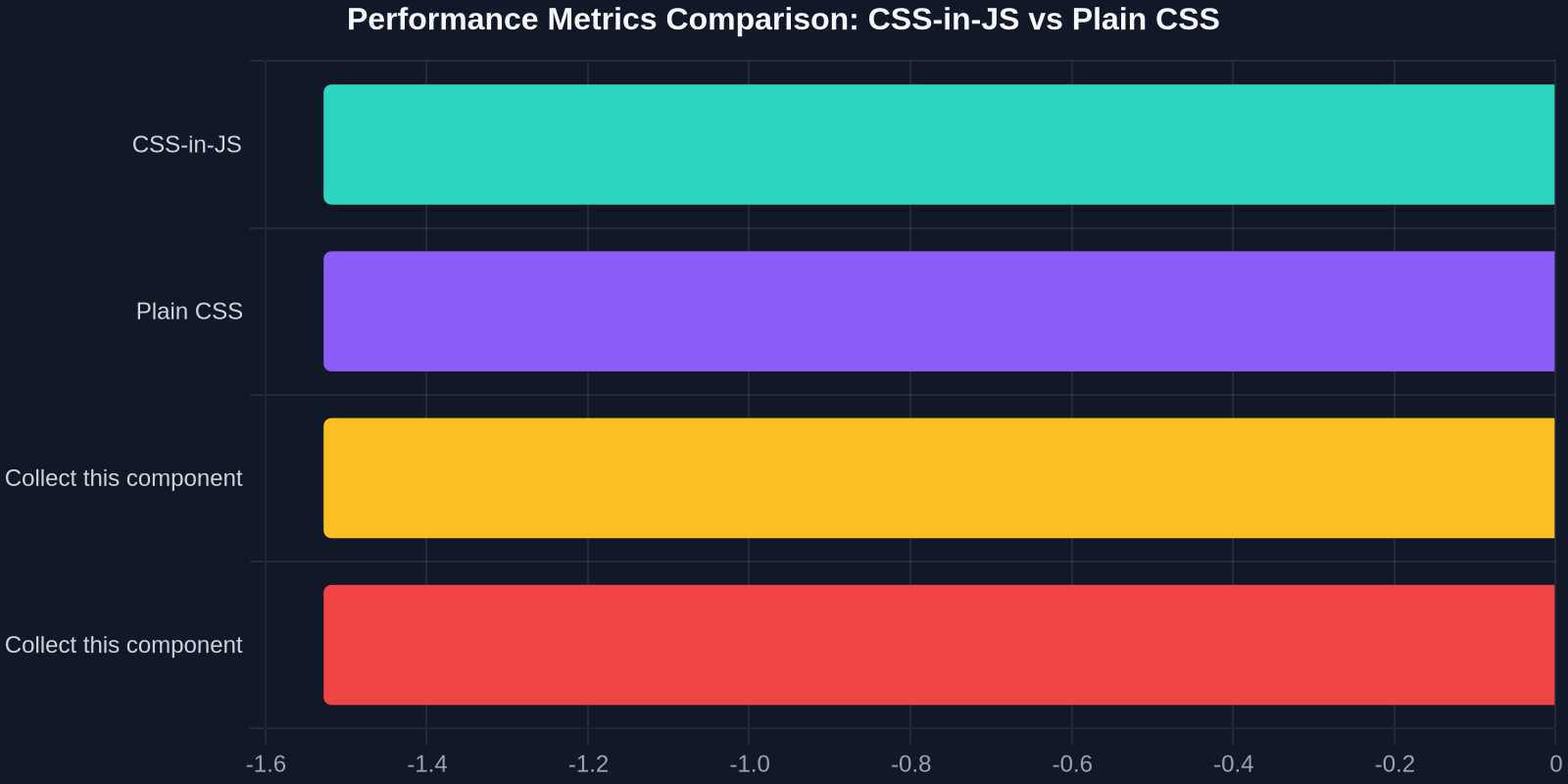
The team also invested heavily in a robust build pipeline that could tree‑shake CSS just like JavaScript. They introduced a “critical CSS inline” step that extracts styles needed for above‑the‑fold content and embeds them in the <head>, while the rest loads asynchronously. This pattern – known as “progressive CSS loading” – ensured the page becomes interactive faster without a flash of unstyled content.
Performance Metrics That Speak Volumes
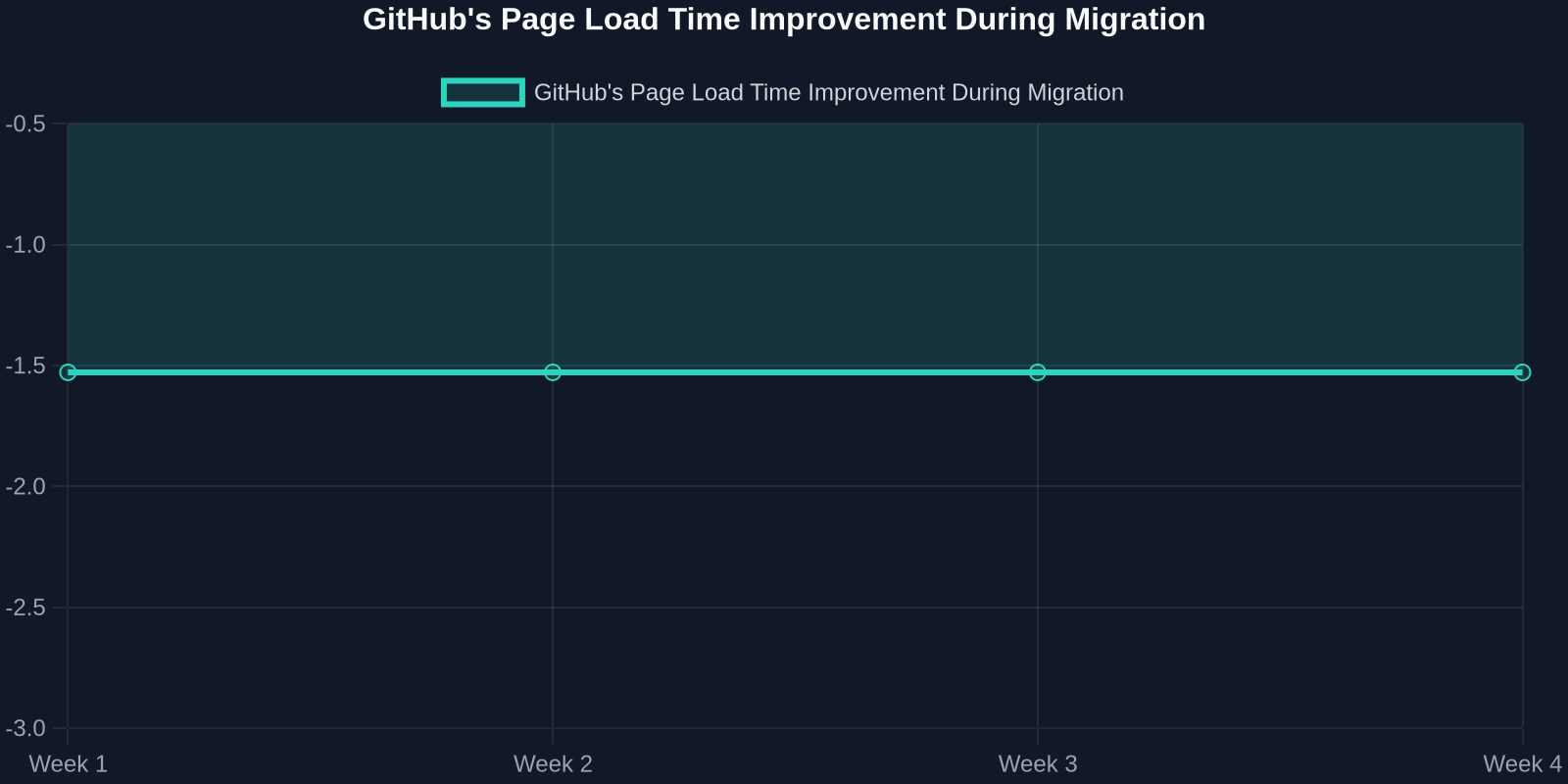
GitHub’s migration didn’t just improve synthetic benchmarks; real‑user monitoring (RUM) data told the same story. Let’s look at a few key numbers:
- Largest Contentful Paint improved by 34%, jumping from “needs improvement” into the “good” threshold in Google’s Core Web Vitals.
- Time to Interactive got 25% faster, meaning users could interact with the page earlier.
- CSS payload size dropped by 40% despite moving from JS‑generated styles to static files.
- First Input Delay nearly disappeared for most sessions, as the main thread was less crowded with style calculations.
These gains weren’t just technical wins; they translated directly into better engagement and lower bounce rates on github.com.
“We were surprised how much the simple act of removing the CSS‑in‑JS abstraction improved our rendering pipeline. The browser knows how to handle CSS efficiently – we just needed to let it do its job.” – GitHub engineering team
Why This Matters for Every Frontend Developer
You might think, “I don’t run a platform the size of GitHub, so why should I care?” The answer is that the same principles apply at any scale. CSS‑in‑JS introduces a dependency that can slow down your site by hundreds of milliseconds – and in web performance, every millisecond counts.
Modern browsers are incredibly optimized for parsing plain CSS. They can create the CSSOM (CSS Object Model) in a separate thread, cache it efficiently, and apply it to the DOM without interrupting JavaScript execution. When you generate styles via JavaScript, you break that pipeline and force the browser to wait.
How DivMagic Fits into a Plain‑CSS Workflow
Recreating the exact styles of a complex UI component can be a tedious, error‑prone process. That’s where DivMagic becomes a game‑changer. As a browser extension, DivMagic lets you copy any UI element from any website and instantly get clean, reusable CSS and HTML. Instead of inspecting elements and piecing together styles, you can copy the entire look in one click.
Imagine you discover a beautifully crafted card component on a competitor’s site. With DivMagic, you select the element, and the extension extracts the precise CSS rules – no JavaScript, no runtime, just the styles you need. You can then paste that into your project’s stylesheet, customize the class names, and adhere to your design system.
This aligns perfectly with GitHub’s philosophy of delivering more CSS (the good kind) without the overhead. DivMagic generates production‑ready CSS that is static, tree‑shakeable, and completely under your control. It bypasses the need for CSS‑in‑JS middlewares, letting you build fast, lightweight interfaces.
Beyond Copying: Building a Component Library
Many developers use DivMagic as a research tool. They collect UI patterns from top‑tier products, study the CSS architectures, and adapt them into their own component libraries. Because the output is plain CSS, it integrates seamlessly with any framework – React, Vue, Svelte, or vanilla HTML.
| Task | Traditional Method | DivMagic Method |
|---|---|---|
| Extract a button style | Inspect element, copy dozens of CSS rules, test | 1‑click copy, get clean CSS |
| Build a design system | Write from scratch or import bloated library | Collect real‑world examples, refine |
| Performance optimization | Profile, strip unused styles manually | Copy only the styles you use, no runtime |
Lessons from GitHub’s Migration
If you’re considering a similar move away from CSS‑in‑JS, here are some actionable takeaways:
- Audit your existing styles – Run tools like PurgeCSS or manually review which rules are actually used in production. You’ll often find 30–50% unused CSS.
- Adopt a critical‑CSS approach – Inline the minimal styles needed for the first paint and defer the rest. Tools like Critical or custom Webpack plugins can automate this.
- Leverage CSS custom properties – They reduce repetition and make theming trivial. GitHub’s new design token system is a great example.
- Use BEM or functional CSS – Choose a naming convention that prevents collisions without runtime isolation.
- Test progressively – Migrate one component at a time and monitor performance with Real User Monitoring.
“The biggest revelation was that plain CSS, when well‑organized, scales far better than we ever imagined – even on a site as complex as GitHub.”
Embrace the Simplicity
GitHub’s success story is a powerful reminder that sometimes the best tool is the one that browsers already understand perfectly. By shipping more CSS – meticulously crafted, purged, and split – they gave their users a faster, smoother experience while simplifying their own development stack.

With DivMagic, that simplicity is now within reach for every project. You can skip the friction of CSS‑in‑JS, extract any UI you admire, and focus on building great experiences. The next time you’re about to import styled from 'styled-components', ask yourself: could plain CSS do this better? The answer might just be yes.