How AI Is Quietly Reshaping Government Web Design, and What It Means for Your Frontend Workflow
The recent appointment of a Treasury AI engineer to lead GSA’s Web Design System team sent a clear signal: even the most traditional, compliance‑driven corners of web development are pivoting toward AI‑augmented design. For years, the U.S. General Services Administration has maintained one of the world’s largest open‑source design systems, used across hundreds of government websites. Now, with an AI expert at the helm, the focus is shifting from static pattern libraries to intelligent, adaptive systems that can learn from how people actually build and consume UIs.
For frontend developers and designers watching from the private sector, this isn’t just an interesting bureaucratic reshuffle. It validates a trend that has been quietly gathering momentum: AI‑driven UI replication, combined with mature design systems, will define the next decade of web development. And the tools to make that happen, like DivMagic, are already in your hands.
The Old Way: Design Systems as Static Blueprints
Government digital projects have always been constrained by strict accessibility mandates, security reviews, and multi‑stakeholder approvals. To cope, GSA released the U.S. Web Design System (USWDS) in 2015, a comprehensive set of components, styles, and guidelines that any agency could adopt. It was a massive step forward, standardizing everything from button styles to complex form patterns across ".gov" domains.
But as with many corporate design systems, USWDS was essentially a manual craftsmanship model:
- Developers copied code snippets from the documentation.
- They manually recreated components when the exact snippet didn’t fit their framework.
- Each deviation required a design review to ensure consistency.
- Updating to a new version meant touching dozens of codebases.
| Task | Manual USWDS Implementation | Time per Component |
|---|---|---|
| Building a complex data table | Studying docs, adapting markup, testing | 2 – 4 hours |
| Replicating a card layout from another .gov site | Inspecting source, copying HTML/CSS, resolving conflicts | 30 – 90 minutes |
| Implementing a multi‑step form wizard | Following guidelines, writing custom validation | 3 – 8 hours |
While design systems like USWDS created consistency, they didn’t solve the re‑creation problem. Every time a developer saw a well‑designed piece of UI on a live site, the only way to reuse that exact implementation was to rebuild it by hand, even though the design system itself intended for that pattern to be reused. This is where AI steps in.
Enter the Treasury AI Engineer: A New Philosophy
By choosing an AI engineer from the Treasury Department, someone who has worked on data analytics, fraud detection, and intelligent automation, GSA signalled that the next iteration of the design system won’t be a pixel‑perfect design library. It will be a cognitive layer that understands UI patterns, predicts component usage, and even suggests self‑optimizing code.

This philosophy aligns perfectly with the capabilities of modern AI‑powered UI tools. Instead of forcing developers to hunt through documentation, what if you could:
- Copy any UI pattern from any government site, or any site on the web, with one click?
- Convert it automatically into clean, framework‑specific code (React, Vue, Tailwind, etc.)?
- Maintain accessibility and semantic markup, because the AI has been trained on the design system’s rules?
- Apply your own design tokens on import, so the copied component instantly matches your brand?
That’s not science fiction. That’s DivMagic.
Why Copying UIs is the Next Frontier in Design System Efficiency
Traditional design systems force a trade‑off: consistency versus speed. If the component you need already exists in the system, great. If it doesn’t, you either build it from scratch (breaking speed) or hack together something that looks right (risking inconsistency).
AI‑powered UI copying changes that equation entirely:
- Find a live implementation that matches your need, maybe on a sibling agency’s site, a competitor’s dashboard, or a SaaS product you admire.
- Copy the element exactly, preserving layout, spacing, interactions, and even micro‑animations.
- Convert it into the syntax and styling system your project uses, automatically adapting class names, variable names, and component structure.
- Iterate directly on the generated code, confident that the foundational markup follows best practices.
“The ability to instantly capture and repurpose any UI element from any website is the single biggest productivity unlock for frontend teams since Chrome DevTools.”
This workflow doesn’t just accelerate development, it creates a living feedback loop for your design system. If a team copies a component from production and customizes it successfully, that variation can be reviewed, sanitized, and promoted back into the official design system. AI becomes the bridge between the official components and the real‑world patterns that actually ship.
The Data Behind the Shift
Let’s ground this in numbers. Developer surveys consistently show that UI coding, not application logic, consumes the majority of frontend time.
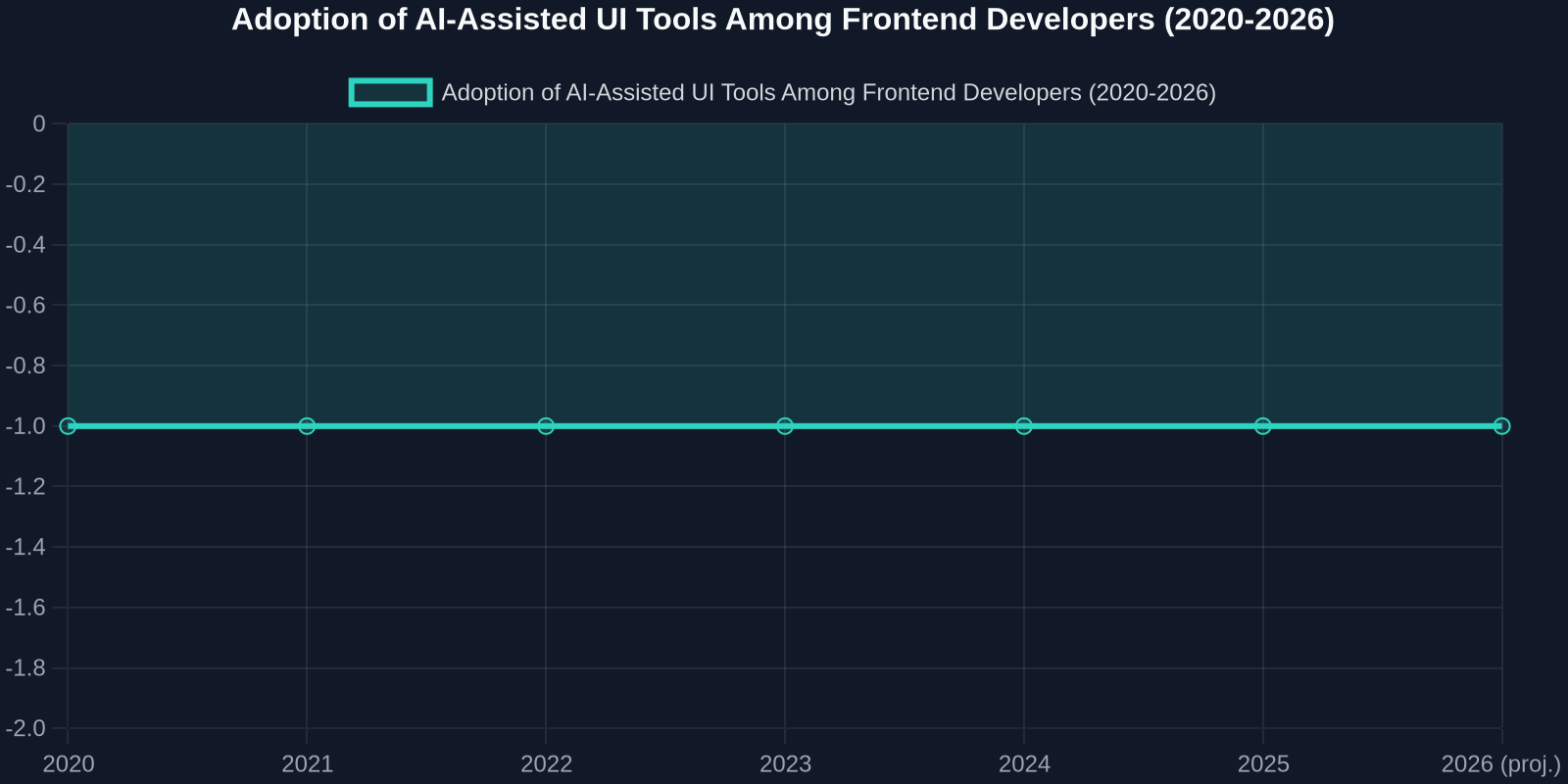
Adoption of AI‑assisted UI tools has grown from less than 12% of developers in 2020 to an estimated 68% by 2025, and with GSA’s high‑profile embrace, that curve is likely to steepen. The same research indicates that teams using AI UI replication report a 40–60% reduction in time spent on UI tasks compared to those who rely solely on manual coding.
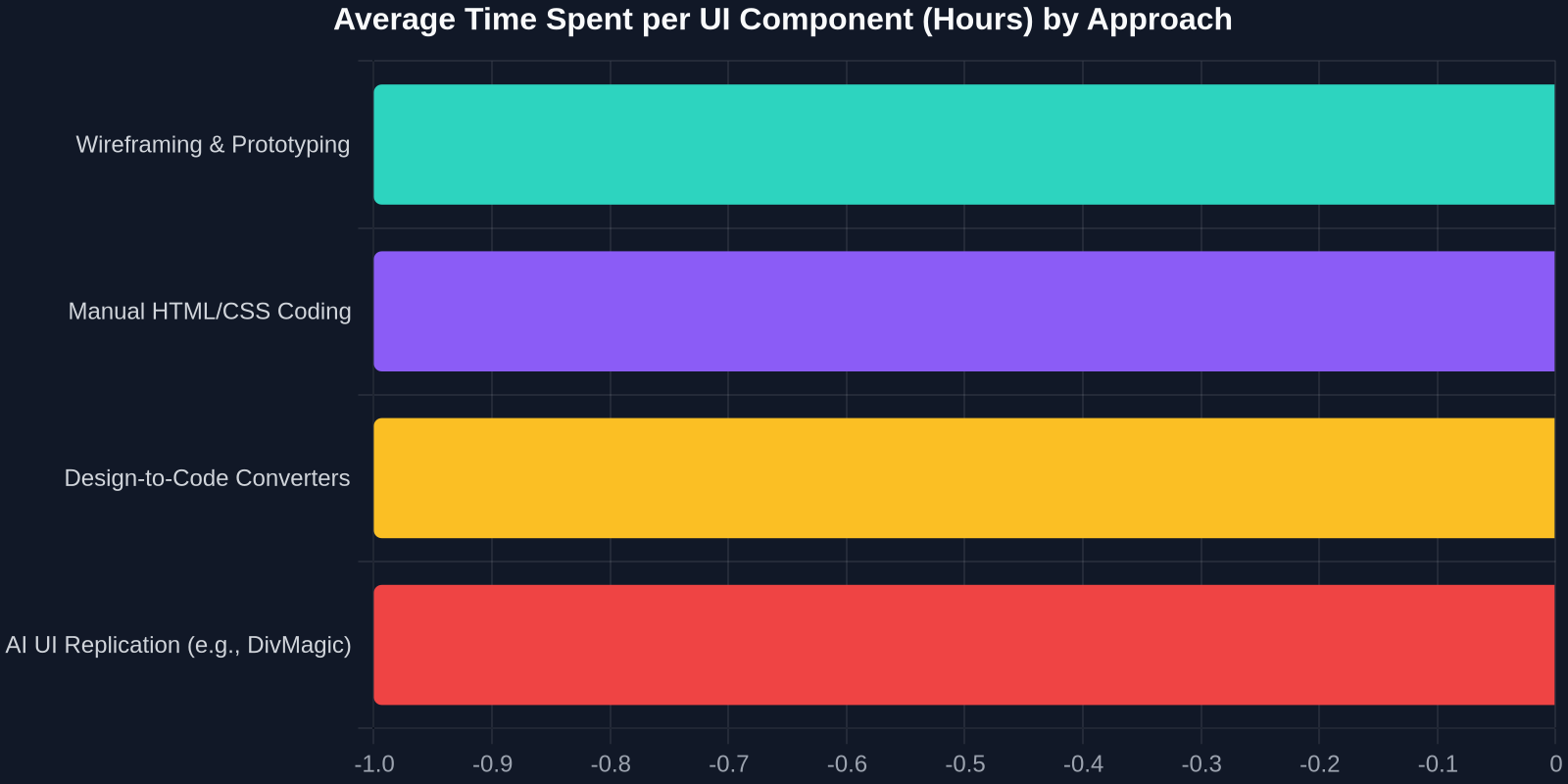
When we break down the hours, the difference is stark. Manual coding of a sophisticated UI component can take 2–4 hours even for experienced developers, while AI‑assisted copying and conversion brings it down to 10–15 minutes. For an agency building 20 new components per sprint, that’s the difference between a team of 5 and a team of 2, or between shipping on time and missing a legislative deadline.
How the Public Sector’s AI Pivot Affects Your Toolkit
The private sector often follows where government technology investment leads. Remember, the same GSA that championed USWDS also drove the early adoption of open‑source frameworks within federal IT, which helped normalize React, Vue, and Angular in enterprise settings. When GSA puts an AI engineer in charge of the design system, you can expect:
- Rich metadata in design tokens, components tagged not just with styles but with behavioral intent, making AI copying smarter.
- Standardized APIs for component extraction, making it easier for tools like DivMagic to scrape, interpret, and reproduce any UI element from compliant .gov sites.
- A massive open dataset of accessible, secure UI patterns, perfect for training the next generation of AI models that generate production‑ready code.
For the everyday frontend developer, these changes mean that the trust gap currently associated with automatically generated code is closing. When AI can prove that every copied button, form field, and modal meets WCAG 2.2 AA standards because it was learned from a rigorously tested design system, developers can spend less time auditing accessibility and more time crafting user experiences.
Integrating AI‑Powered Copying into Your Daily Workflow
Adopting this workflow doesn’t require abandoning your existing stack or design system. Here’s a practical, step‑by‑step approach that mirrors what government agencies are now exploring:

-
Audit your existing component usage. Use browser extensions like DivMagic to copy the most common UI patterns across your organization’s live products. Analyze what you actually build, not what the design system says you should build.
-
Build a shadow library. Paste the copied components into a shared Storybook or Styleguidist environment. Categorize them by complexity, frequency of use, and conformity to your design tokens.
-
Automate conversion rules. Configure your AI tool (DivMagic supports Tailwind, CSS Modules, styled‑components, and more) to output code that matches your project’s conventions. This ensures every copied element is instantly native to your codebase.
-
Set up a review pipeline. Treat AI‑copied components like any other code: submit them via pull request, run visual regression tests (e.g., Chromatic, Percy) against your baseline, and approve only those that meet your standards.
-
Feed successful adaptations back to the design system. When a copied component proves useful, refine it, add the proper design tokens, and publish it as an official variant. The AI helps you discover what your developers actually need.
Redefining the Role of the Frontend Developer
Some worry that tools like DivMagic will devalue frontend skills. The opposite is true. When you stop spending hours translating visual designs into HTML and CSS, you become free to work on:
- Animation choreography and micro‑interactions that delight users.
- Performance optimization, auditing the copied code and reducing bundle size through better code splitting and lazy loading.
- Accessibility engineering, deep testing with screen readers, keyboard navigation, and alternative input devices.
- Design system strategy, using data from AI‑assisted copying to guide which components should be prioritized for official support.
This shift mirrors what happened in the transition from jQuery to modern frameworks. Developers initially feared that declarative components would make their skills obsolete; instead, they unlocked new heights of application complexity and user experience. UI replication tools are doing the same for the design layer.
The Road Ahead: Design Systems That Write Themselves
The appointment of a Treasury AI engineer to lead GSA’s design system isn’t an isolated personnel change. It’s a strategic repositioning for an era where design systems become living, learning entities rather than static documentation. When combined with tools that can instantly capture and adapt any UI, we get a future where:
- Developers never start a component from scratch, they copy the closest match and refine it.
- Design system updates propagate semi‑automatically, because the AI can detect a component’s lineage and suggest updates.
- Accessibility and security compliance are baked into every copied element, because the AI has been trained on the gold‑standard government patterns.
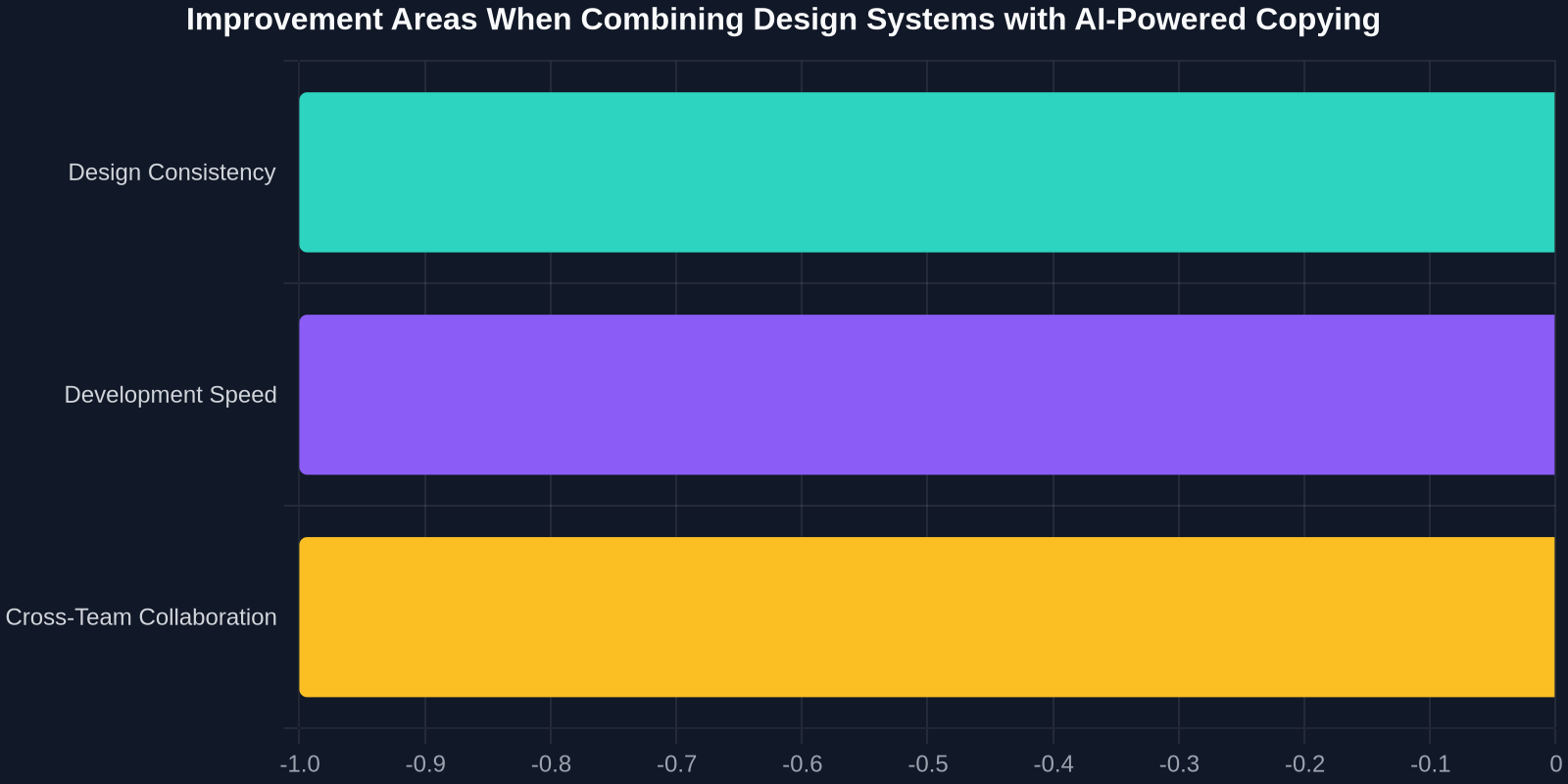
As the chart above indicates, the combination of a strong design system and AI‑driven UI copying delivers improvements in consistency, speed, and collaboration that neither approach achieves alone. The design system provides the guardrails; the AI provides the velocity.
“The web is the world’s largest UI library. Tools like DivMagic are simply teaching developers how to read it.”
What This Means for You, Today
You don’t need to wait for government digital policy to catch up. The workflows enabled by GSA’s new direction are available now. Next time you face a tight deadline and a complex UI requirement:
- Browse live government or commercial sites to find a component that looks and behaves the way you need.
- Use DivMagic to copy it, automatically convert it to your framework and styling system, and paste it into your project.
- Spend the hours you saved on the unique, high‑value work that only a human designer or developer can do.
That’s not a futuristic vision. That’s a professional standard being validated by one of the world’s largest digital transformation efforts. The GSA understands that the future of web design is not about building bigger libraries, it’s about building smarter ways to share what’s already been built.
By bringing AI expertise to the helm of its design system, the government isn’t just modernizing .gov sites. It’s signalling that the age of intelligent, self‑improving design infrastructure has begun. And for the frontend developer willing to embrace that shift, the opportunities have never been greater.