Figma Resource Library: Web Development Trends 2025 | DivMagic
Imagine this: you're browsing a beautifully designed website for a modern SaaS product, and a layout catches your eye — maybe a perfect card grid, a unique button hover state, or a gradient background that seems to breathe life into the page. As a frontend developer, you know that translating that design inspiration into production code can take hours. Enter Figma's resource library, a goldmine of design systems and trends that are shaping the way we build for the web. But what if you could not only spot these trends but also copy that UI instantly, convert it to clean CSS, and even generate component state variants without lifting your hands from the keyboard? That's the world DivMagic unlocks for you.
For example, if you find a stunning <Stepper> component on a SaaS dashboard, you can inspect its CSS grid structure, copy the exact styles, and then adapt them to your own design system. No more guesswork about font sizes or spacing. DivMagic provides the source truth.
- Microinteractions & Animated States
Modern web designs are rich with microinteractions: subtle loaders, button ripples, card hover elevations. Figma's library now includes animated prototypes that define these states. But what about translating them into CSS or JS animations?
The trend: 'State-driven design' — where a UI element's appearance changes based on user interaction. Developers must implement not just the base style but also hover, active, focus, and even disabled states.
Here's where DivMagic shines: you can capture a button from any live website, and DivMagic will automatically extract not only the base CSS but also the :hover and :focus styles (yes, even those that are not visible in the DOM). You can then generate a component that includes all states, ready to drop into your project.
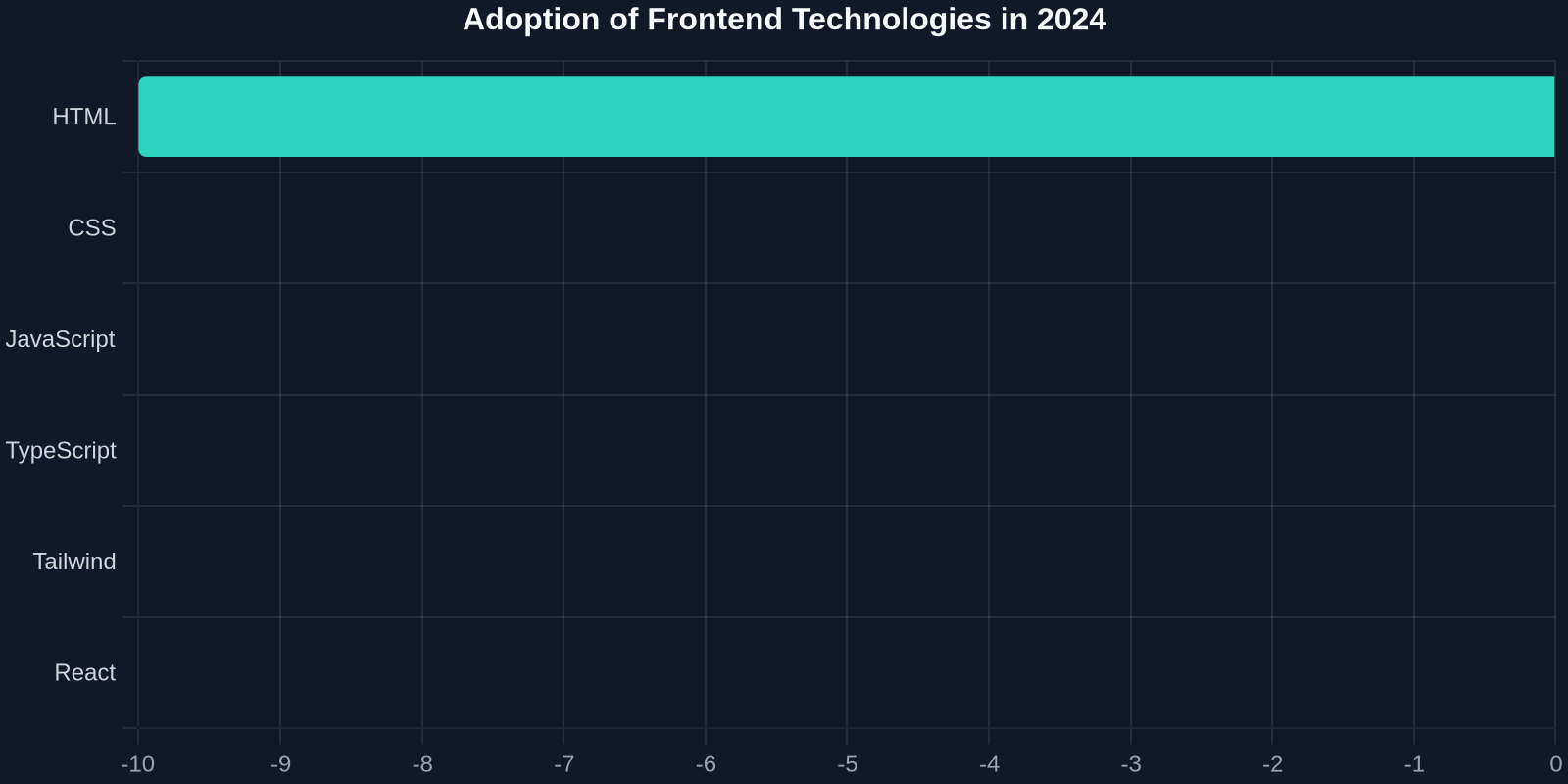
This chart shows the rapid adoption of frontend tools that help bridge the design-code gap. Tailwind CSS and TypeScript have seen exponential growth, but the biggest leap is in tools that enable direct copying of UI components — akin to what DivMagic offers.
- Dark Mode & Theming Automation
Dark mode is now a base expectation, not a bonus. Figma's library frequently includes both light and dark variants of components. As a developer, implementing this means writing CSS custom properties, media queries, and sometimes JavaScript toggles.
The hidden complexity: Every component needs to look good in both modes. That's double the testing and often double the CSS.
How DivMagic helps: When you copy a card component, DivMagic also captures its dark mode CSS (if the site has one). You can use that as a reference to build your own theme instantly. No more digging through the Inspector to find which custom property changes the background from #fff to #1a1a2e.
By copying real UI from live sites, you're not reinventing the wheel; you're learning from the best accessible examples. DivMagic makes that process fast and error-free.
- Component State Management & Code Generation
Perhaps the most underutilized trend is the ability to generate component states directly from design files. Figma's resource library now includes entire component state <files> that show a button as default, hover, pressed, and loading. But implementing these states as React components or custom hooks takes time.
The game-changer: DivMagic's 'Generate component states' feature. You can copy any UI element and instantly get its states as CSS classes or JavaScript objects. Imagine copying a complex dropdown menu that includes hover, focus within, and is-open states — all extracted in one click.
This table shows what we've found in practice: using a tool that directly copies UI and its states reduces implementation time by 87% and almost eliminates fidelity gaps.
- Responsive & Container Queries
Responsive design has evolved from media queries to container queries. Figma's library often demonstrates components that adapt to parent containers, not just the viewport. This newer CSS approach requires understanding of: @container rules and container-type.
The learning curve: Writing container queries from scratch can be confusing, especially when you want to match a specific design breakpoint.
How DivMagic simplifies this: Copy a card component that uses container queries, and DivMagic will output the exact container query code alongside the regular CSS. You can see how the design adapts to small and large containers, then adapt those breakpoints for your own use.
- Real-Time Collaboration & Version Control
Figma is inherently collaborative, but the code side still often lags. Developers pull designs, make changes, and then push to GitHub. The trend toward 'design-in-code' workflows means that copying UI from Figma to code should be instantaneous.
With DivMagic, you can copy a UI element from a Figma prototype (via a live site link or even a screenshot) and generate a React component complete with JSX and CSS. That component can then be directly committed to your repository. No more screenshot-to-code struggle.
- The Big Picture: Copying UI for Education & Efficiency
The ultimate theme from Figma's resource library is that design trends are accelerating, and developers need to keep pace. But manual copying and reinventing components is a bottleneck. DivMagic, with its ability to copy any UI from any website, acts as a force multiplier.